
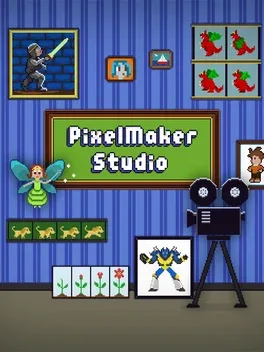
PixelMaker Studio
Résumé
PixelMaker Studio is a drawing program designed specifically for making pixel art images, animations and tile-based scenes! Using easy to use tools on your Nintendo 3DS, you can design images as simple or as complex as you like. Experiment, and create characters and scenes based on your favorite classic video games, or draw straight out of your own imagination! Create multi-frame animated images and watch them come to life. Design sets of image tiles and use them to create large, complex scenes. Support for multi-layer drawing, and 3D layered images and animations. Zoom in on the touch screen while seeing your whole scene on the upper screen. Cut/Copy/Paste selections with flip and rotate options. Fill by selection, flood-fill or replace all of a color. Draw and erase with multiple brush sizes. Pixel-perfect line and stroke drawing modes. Export PNG images and scenes to SD Card. Undo/Redo and image auto-save and restore. Palette-based color management with a number of classic samples. Choose colors visually, by exact RGB, or pick from the image. Optional grid overlay.
Date de sortie :
Critiques de PixelMaker Studio
Sois le premier à partager ton avis sur PixelMaker Studio.
Partage ton avis avec la communauté
Commentaires
Aucun commentaire pour « PixelMaker Studio ». Sois le premier à réagir.
Lance ton propre fil de discussion ou réagis à un commentaire